Neon Ping Pong review
A Pong-style paddle game in neon with a computer opponent that ramps up, local two-player on one screen, and settings for paddle size and a ball speed cap.
Neon Ping Pong
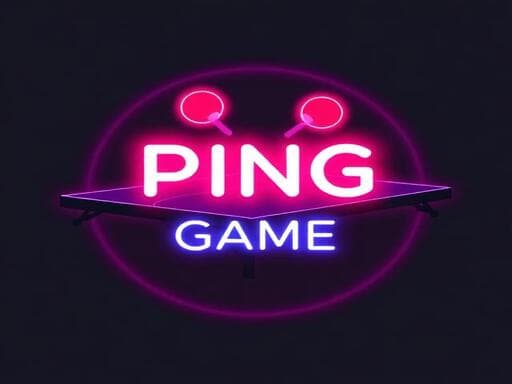
Loads the game in this frame. Nothing is installed; the game runs in your browser tab.
The game is made by its developer and served through its distributor, GameMonetize. It may show its own adverts inside the frame. Read our editorial policy for how we choose what to list.
Controls
Keyboard & mouse
- Player one: W and S move the left paddle
- Or move the mouse to position the paddle
- Player two's keys are not listed in the developer's notes
Phone & tablet
- Player one: drag a finger anywhere in the left-hand half to move the paddle
- Player two's touch zone is not documented
- Landscape, two thumbs on one screen
What it is
Pong dates from 1972 and every paddle game since has been a variation on it. Two paddles, one ball, the ball speeds up, you miss, they score. Neon Ping Pong is that with glowing paddles and a dark court, and the developer positions this build as a version 2.0 with a settings menu added. There are two modes: a single-player game against a computer opponent whose difficulty climbs as you go, and a local two-player game for two people at one machine.
The settings menu is the thing worth mentioning. You can change the paddle size and put a cap on the ball's top speed. In a genre where the whole difficulty curve is the ball getting faster until you lose, those two settings let you decide where the game lives: a big paddle and a low cap for a young player or a relaxed rally, a small paddle and no cap for a reaction test.
How it plays
Player one holds the left paddle, moved with W and S on a keyboard or by moving the mouse. On a touchscreen the left-hand half of the display is player one's drag zone. The developer's control notes are cut off before they list player two's keys, so I cannot tell you what the right paddle uses; the in-game menu will. What I can say is that a left-half touch zone strongly implies the right half belongs to player two, which would make two-person play on one tablet possible, but check it before promising a sibling a match.
Paddle games are timing windows. The paddle's height is your window, the ball's speed is how fast the window closes, and in most implementations the return angle depends on where along the paddle the ball hits. That last point is the only real skill: a ball off the paddle's edge comes back steep and forces the other side to travel further. Against a computer that grows sharper as the game goes on, steep returns are how you score.
Tips that actually help
Pong has been analysed to death since the 1970s, but a few things still catch people out.
- Move early and stop. Get the paddle to where the ball is heading, then hold still; a paddle still moving on contact makes the return angle harder to predict.
- Use the edges of the paddle deliberately. Centre hits go straight back and give the opponent an easy read; edge hits create the angles that win points.
- Against the computer, vary the return. A predictable rhythm is what an AI is best at reading.
- Set the speed cap before you play against someone new. Nobody enjoys losing to a ball they never saw.
- Shrink the paddle once you win consistently; it is the only way to keep the single-player mode honest.
- In two-player on a keyboard, sit so neither of you has to reach across the other's keys.
The settings menu
Adding a settings menu to Pong sounds trivial, and it is not. Paddle size changes the width of the timing window; a speed cap changes whether the game ends by attrition or by skill. Together they turn a fixed toy into something two mismatched players can balance by hand: give the weaker player the bigger paddle, or cap the ball for both and let angles decide. Very few browser paddle games bother, and it is the single reason I would pick this over another neon Pong clone.
Where it falls short
It is Pong. The computer opponent is a warm-up for the two-player mode, not a game on its own, and once you have found the angle trick the single-player mode is a matter of patience. Player two's controls are not documented in the notes I have, which is an odd omission for a game whose best feature is two players. There is no online mode, and a neon coat of paint does not change how a paddle feels.
What works
- Local two-player on one keyboard or screen
- Paddle size and speed cap let you balance a match
- Instant to learn
- Mouse, keyboard and touch all supported for player one
What holds it back
- Single-player mode wears thin fast
- Player two's controls not documented
- Nothing here that was not in Pong
Verdict
3.0Neon Ping Pong is a tidy paddle game that earns a mention for its settings menu and its two-player mode, and not much else. Open it when there are two of you and a spare five minutes, cap the ball speed, and you will get a fair duel. Alone, it is a reflex test with a short shelf life; skip it unless you have a second player.
Questions people ask
- Can two people play on one keyboard?
- Yes, there is a local two-player mode. Player one uses W and S for the left paddle; player two's keys are not listed in the developer's notes, so check the in-game menu.
- Can I play it on a phone?
- Player one's paddle follows a finger dragged anywhere in the left-hand half of the display, so single-player works on a phone in landscape. Two players sharing one touchscreen is likely, but only player one's zone is documented.
- Does the computer opponent get harder?
- Yes. The single-player mode is described as ramping up as you play. The speed cap setting lets you take the edge off it.
- Does it save anything?
- The developer describes no progression, so there is nothing to lose between sessions. A paddle game like this is played for the moment, not for a record.
If you liked this, try
 Sports
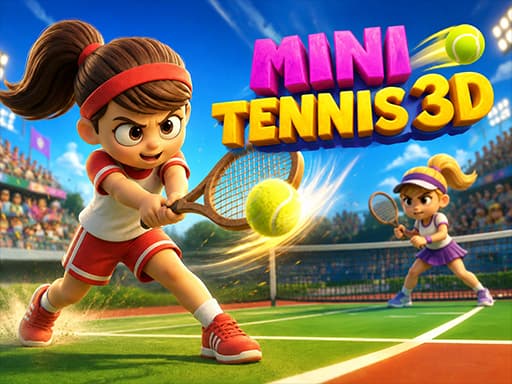
Mini Tennis 3D
3.0A portrait, one-tap tennis rally game where the ball gets faster the longer you last. Reflex timing and a high score to chase, not sets and games.
Read the review → Sports
Basketball League
4.02D arcade basketball in 1v1 or 2v2 form, with a CPU ladder of Bronze, Silver and Gold Cups and proper local two-player on one keyboard.
Read the review →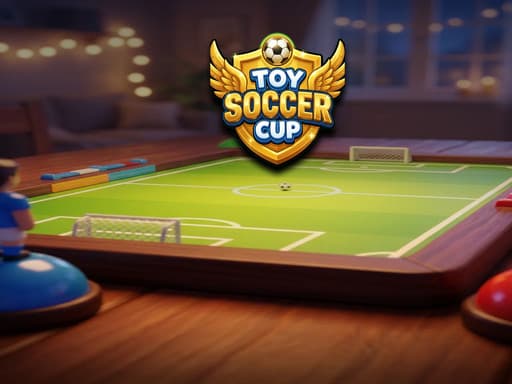 Sports
Toy Soccer Cup
3.5Turn-based tabletop football where you flick miniature players to pass and shoot. Quick Match, Tournament, same-device two-player and an online mode.
Read the review → Arcade
Neon Ball Slope
3.5An endless neon 3D slope game: steer a glowing ball down a track that gets steeper and faster, with coins, XP, gear, missions and daily leaderboards on top.
Read the review →Guides that mention this game
- explainer
Keyboard or touch? How browser game controls really behave.
Why arrow keys and WASD coexist, what key repeat and ghosting do to your inputs, the five kinds of touch control, and how to read a review's controls box.
- how-to
Playing browser games on a Chromebook: what runs well and what to skip.
Chromebooks run the same Chrome as a desktop, so HTML5 games just work. Where 3D WebGL games stutter and why, plus which reviewed games suit the hardware.
- list
Nine browser games that fit a ten-minute break.
Nine reviewed games chosen for round length, quick starts and how easily you can stop: minesweeper, 2048, solitaire, ping pong, mini golf and more.